Team access
You can work on a project together with your colleagues or partners. Managing access and member roles is restricted to the project owner — the user with the Superadmin role.
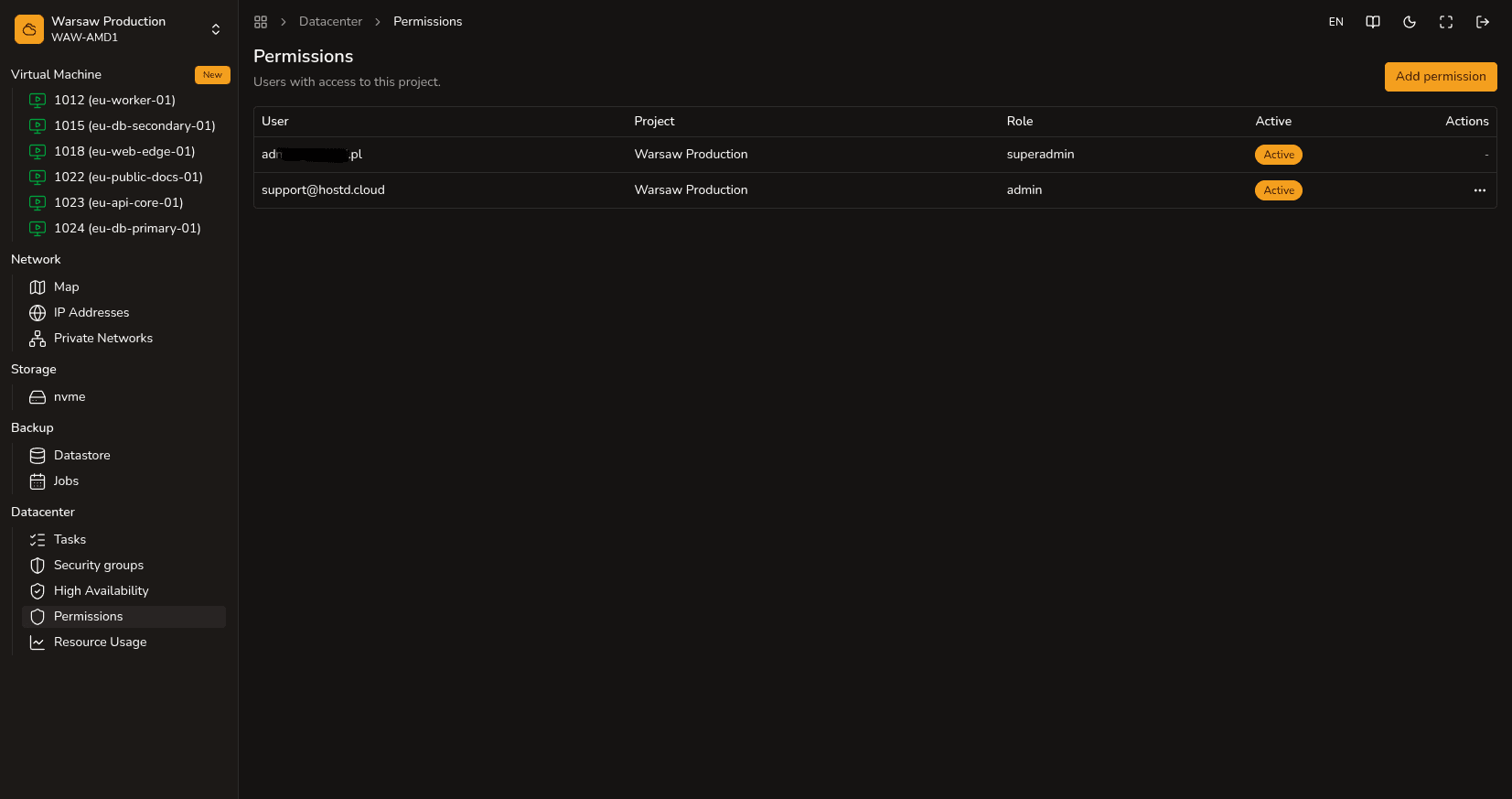
Steps to grant access
- Navigate to the
Datacenter → Permissionssection. - Click the Add permission button.
- Enter the email address of the user who has a registered hostd account and select their role (Admin or Auditor).
- If necessary, you can always revoke access or change a user’s role on the same list.
Available system roles
| Role | Access Permissions |
|---|---|
| Superadmin | Project owner. Has full rights: managing members, viewing billing and financial expenses, creating, modifying, and deleting any VMs and networks. |
| Admin | Technical administrator. Has full access to infrastructure management (creating, resizing, deleting VMs, network configuration) but cannot see financial information or the team access management section. |
| Auditor | Observer. Has read-only access to view VM and network parameters without the right to make any changes. |
Watch out
To successfully add a team member, they must already have a registered account in the hostd system. Immediately after entering their email address, the project will instantly appear in their personal control panel.
Next steps
- Projects — general overview of the project structure.
- Project costs — information about budget access.