WireGuard
WireGuard VPN to the private network LAN through Cloud Gateway.
Before you begin
- Cloud Gateway enabled on the private network.
- WireGuard client on the administrator device.
Steps
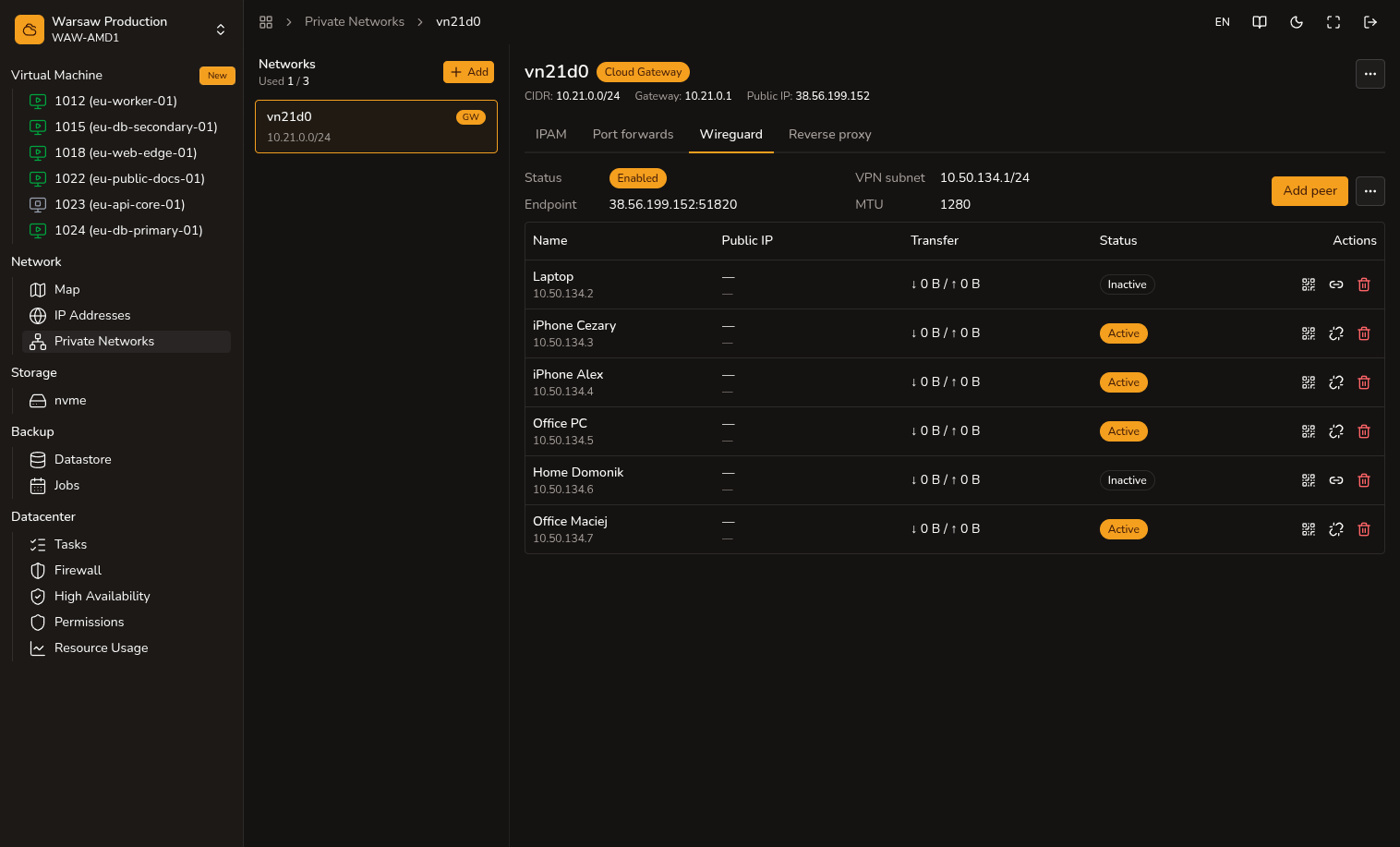
- Open WireGuard on the private network layout page.
- Set up WireGuard server or Enable if the server is not active.
- Click Add peer and enter a device name.
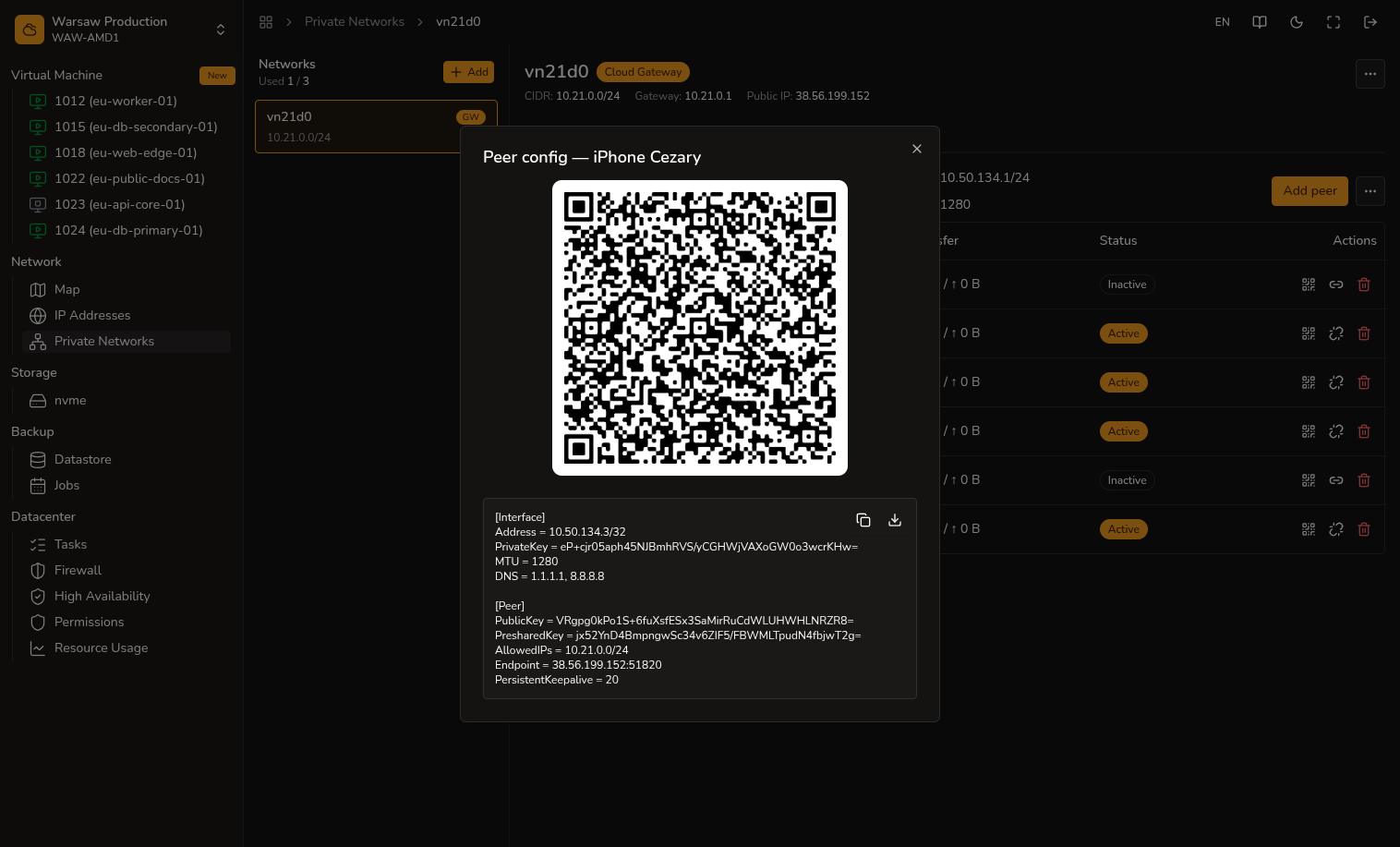
- In the peers table, open Peer config — scan the QR code or Download the
.conffile and import it into a WireGuard client. - Test access to a VM private IP.
Watch out
The WireGuard client does not route all traffic through the VPN — only traffic to the private network.