File restore
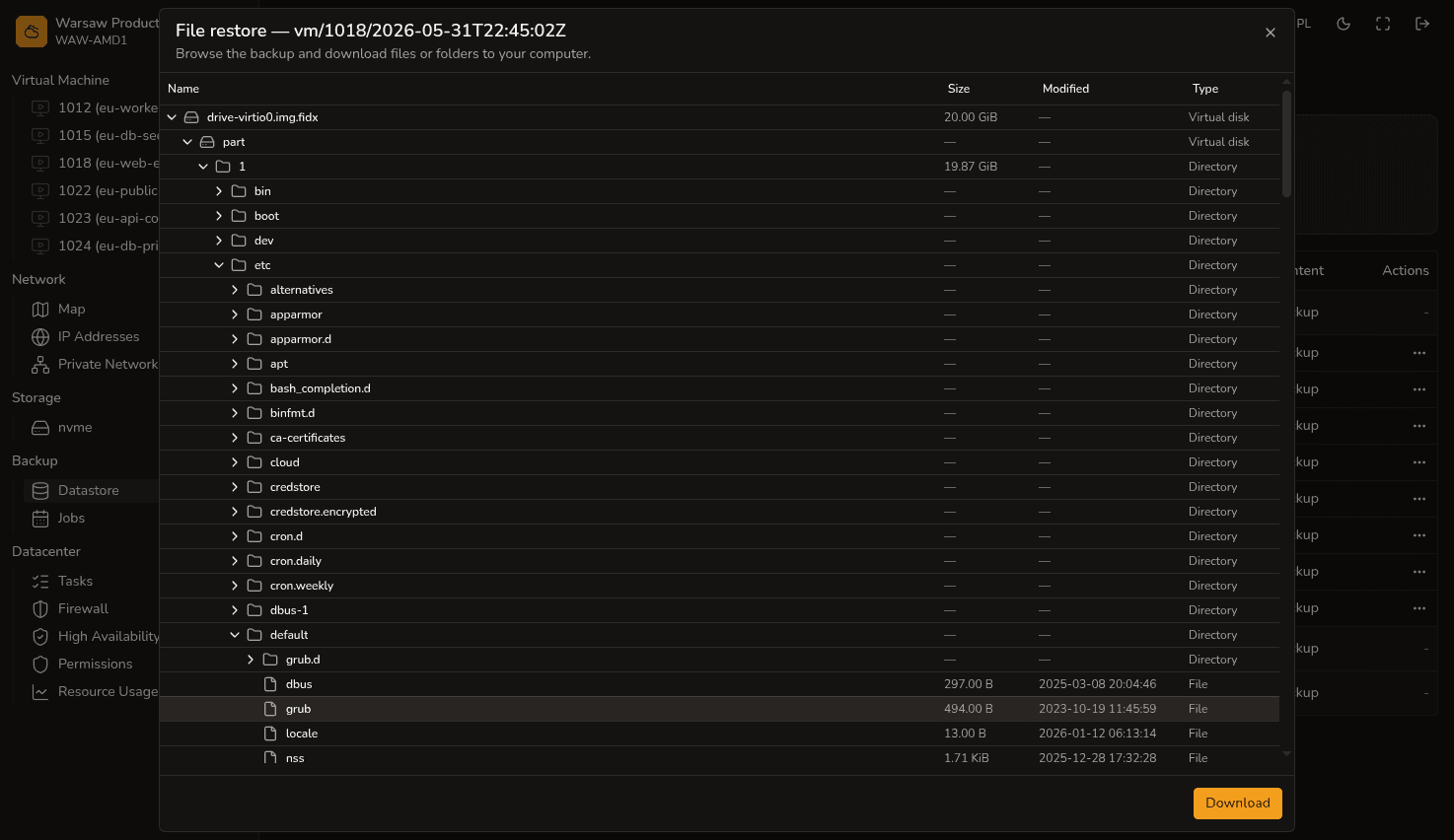
If you accidentally deleted a few files and do not want to roll back the state of the entire system, you can download individual files or folders directly from a backup.
Steps
- Open the
Backup → Datastoresection. - Find the backup copy you need and click File restore.
- A file tree of your system will open — you can expand folders and search for the required data.
- Once you find the file or folder, click the corresponding button to download it (folders will be downloaded as a zip archive).
Watch out
This tool is designed mainly for downloading configuration files or smaller directories (roughly up to 200 MB). If you need to recover a massive database or a full machine archive, it is better to use full VM restoration or contact support .
Next steps
- VM backups and restore — full system recovery.
- Datastore — viewing existing backup copies.
- Backup jobs — configuring automatic schedules.