Virtual machines
Delete a VM
Delete a VM together with its backups and choose what happens to the public IP.
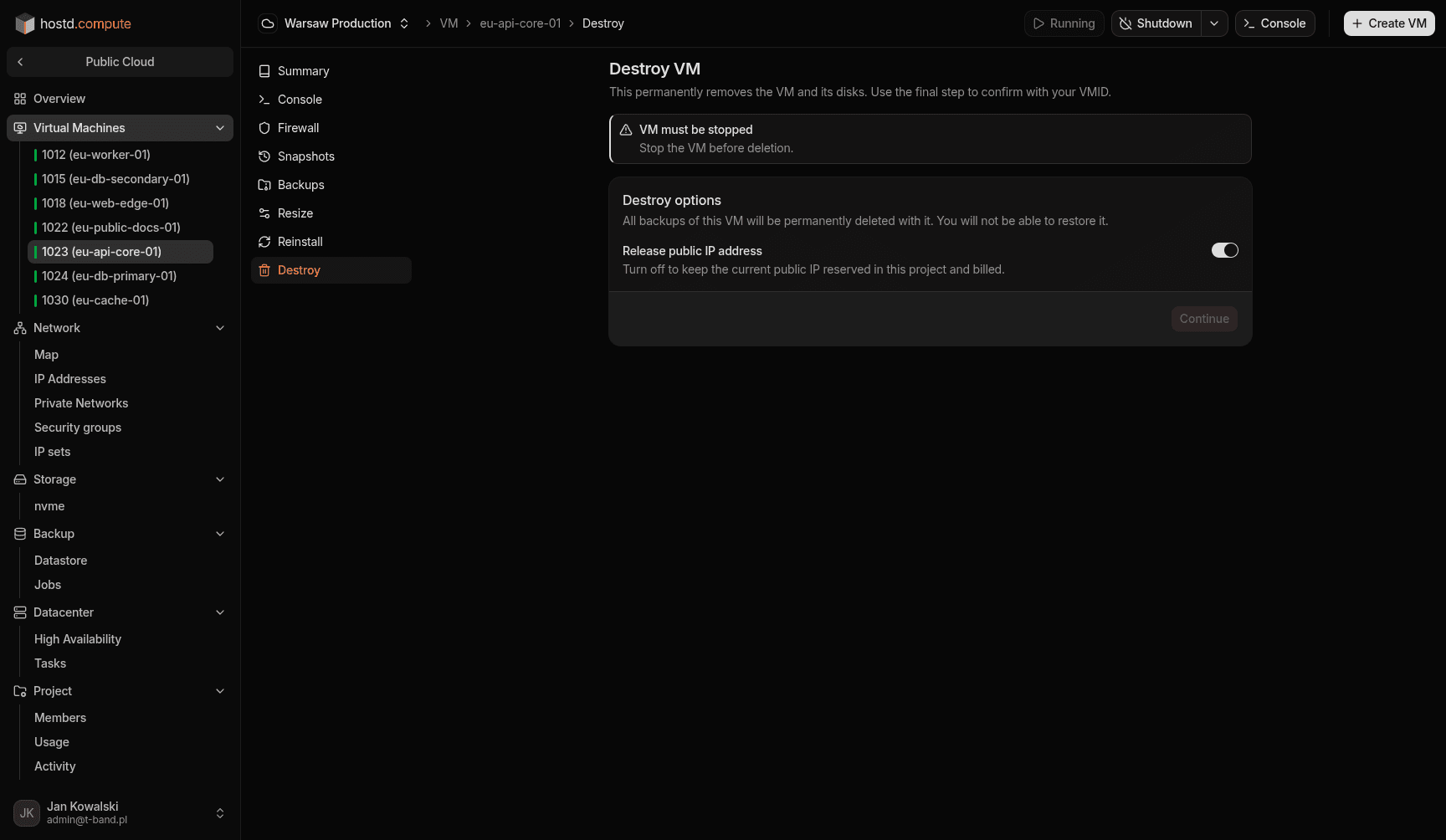
Delete a VM. All backups of the VM are deleted with it. You choose what happens to the public IP.
Before you begin
- VM must be stopped.
- Decision on whether to release or keep the public IP.
Steps
- Stop the VM.
- Open
VM → Destroy. - Choose whether to release the public IP or keep it reserved in the project.
- Confirm delete.
Watch out
All backups of the VM are permanently deleted with it and cannot be restored afterwards. A kept floating IP continues to bill, but you can attach it to another VM or gateway later.