Networking
Private network
How to create private networks (VLANs) and configure internal IPAM for your virtual machines.
A private network (local VLAN) allows you to combine your virtual machines into an isolated Layer 2 network segment. Traffic within such a network is completely protected from external access and is not metered or billed.
Steps
- Open the
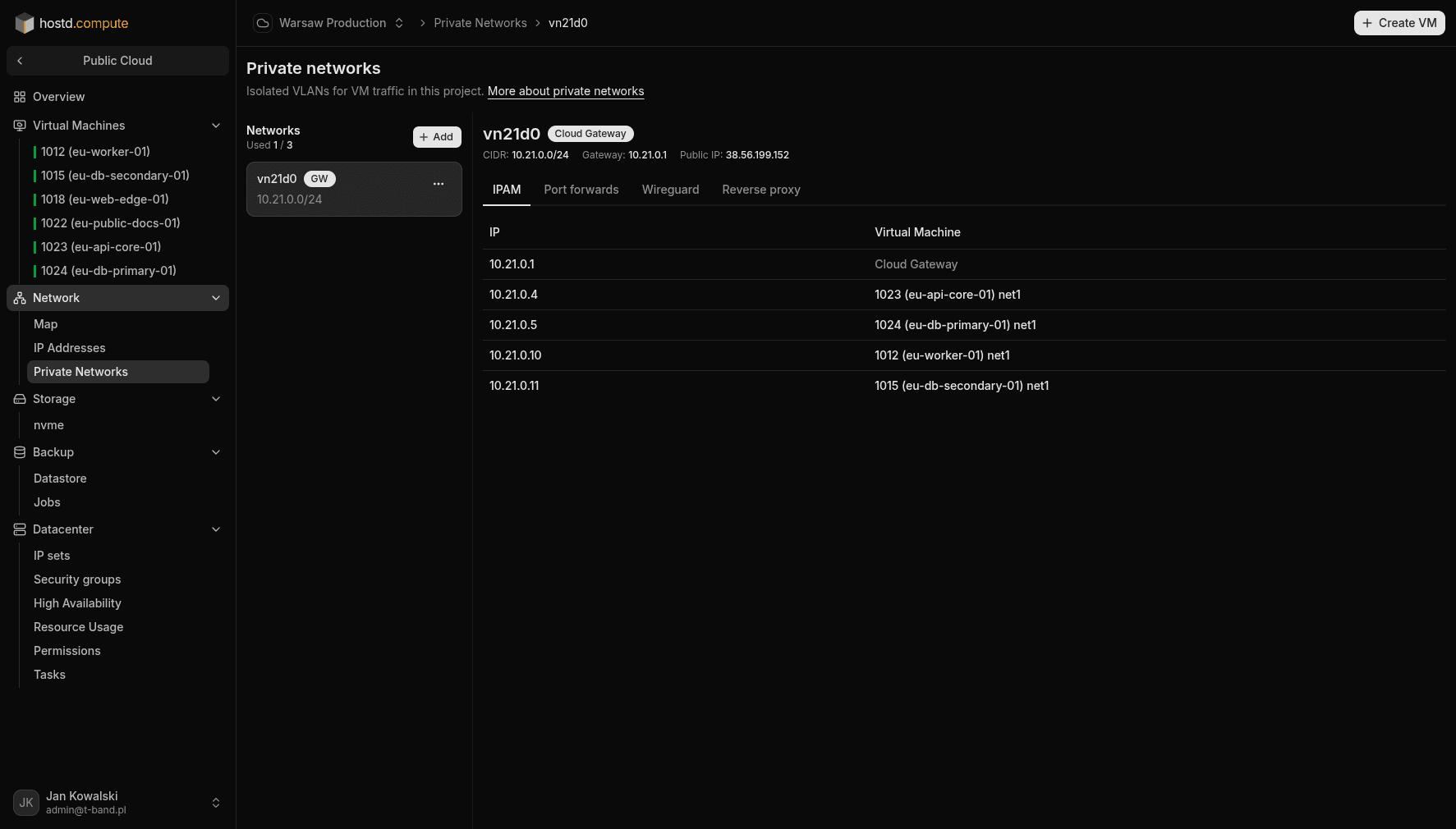
Network → Private networkssection. - Click New and create an internal VLAN, specifying your desired IPv4 subnet range (CIDR).
- If virtual machines in this local network require secure internet access (NAT) or other network services, enable the Enable Cloud Gateway option.
- Connect your virtual machines to the created network (this can be done either during the creation of a new VM or on a running machine via the
VM → Resizesection). - You can view the list of allocated addresses and manage them under the IPAM tab in your private network's settings.